





Managing your computer’s storage and protecting important files are essential parts of maintaining a reliable system. Whether you’ve accidentally deleted documents, formatted a drive, experienced a system crash, or need to reorganize your disk partitions, having the right software can make these tasks much easier. EaseUS is a well-known software provider that offers practical solutions for data recovery, disk management, backup, and system migration for both home users and businesses.
If you’re looking for an easy way to recover lost files or optimize your storage devices, here’s how EaseUS simplifies data recovery and disk management.
Recover Lost Files with Ease:
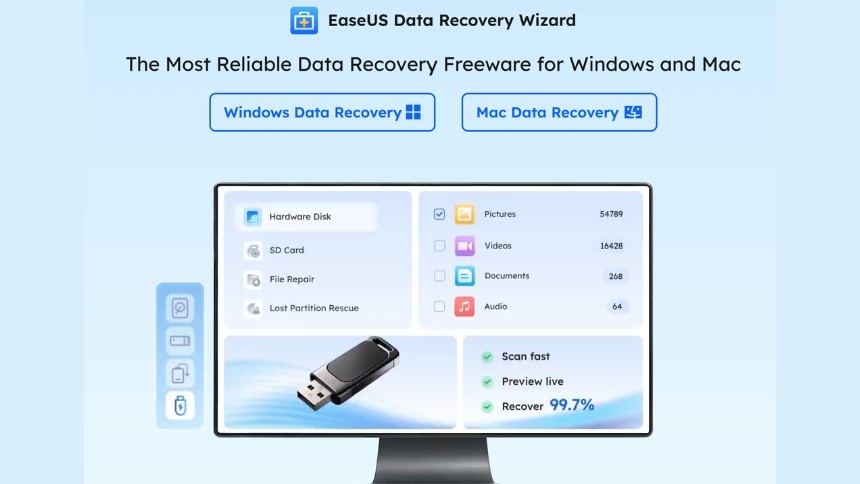
Accidentally deleting important files can be frustrating, but EaseUS Data Recovery Wizard is designed to help recover data from hard drives, SSDs, USB flash drives, memory cards, and other storage devices.
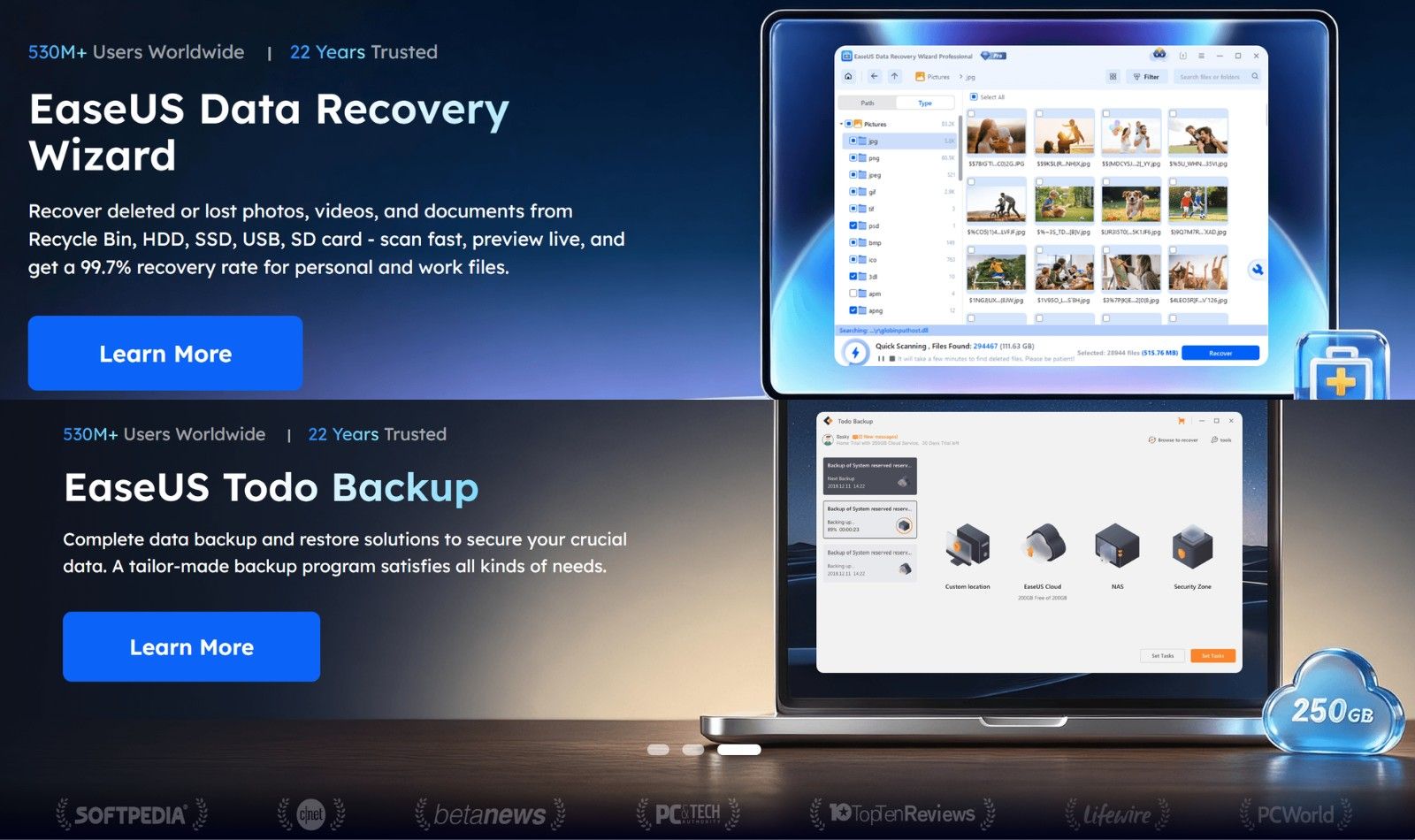
The software supports recovery in various situations, including accidental deletion, formatting, system crashes, virus attacks, and partition loss, helping users retrieve valuable files with minimal effort.
Files You Can Recover:
- Documents
- Photos
- Videos
- Audio files
- Emails
- Archives
User-Friendly Recovery Process:
One of EaseUS’s biggest strengths is its simple interface. Instead of requiring advanced technical knowledge, the software guides users through a straightforward recovery process.
Users simply select the storage device, scan for recoverable files, preview the results, and restore the files they need.
Recovery Benefits:
- Easy step-by-step process
- Quick scanning options
- Deep scan capability
- File preview before recovery
- Beginner-friendly interface
EaseUS Tools at a Glance:
| Tool | Primary Purpose | Best For |
|---|---|---|
| Data Recovery Wizard | Recover lost files | Accidental deletion |
| Partition Master | Disk management | Storage optimization |
| Todo Backup | Backup and recovery | Data protection |
| Disk Copy | Disk cloning | Drive upgrades |
| OS Migration | Move Windows to SSD | Faster system performance |
| BitWiper | Secure data erasure | Privacy protection |
| RecExperts | Screen recording | Content creation |
Simplify Disk Partition Management:
EaseUS Partition Master allows users to organize and manage storage drives without the complexity often associated with disk management.
You can resize, create, merge, split, format, or delete partitions through an intuitive interface, making it easier to optimize storage space and improve system organization.
Partition Features:
- Resize partitions
- Merge partitions
- Split partitions
- Create new partitions
- Format drives
Upgrade Your Drive Without Reinstalling Windows:
Replacing an older hard drive with a larger SSD can significantly improve computer performance. EaseUS provides disk cloning and operating system migration tools that allow users to transfer Windows and their files to a new drive without performing a complete system reinstall.
This helps reduce downtime while preserving applications, settings, and personal files.
Upgrade Advantages:
- Clone entire drives
- Migrate Windows to SSD
- Preserve installed programs
- Faster computer performance
- Reduced setup time
Protect Your Data with Regular Backups:
Backing up important files is one of the best ways to prevent data loss. EaseUS Todo Backup allows users to create scheduled backups of files, folders, system partitions, or entire drives.
Automatic backup schedules help ensure important information remains protected without requiring manual effort.
Backup Features:
- Scheduled backups
- Full system backup
- Incremental backups
- File and folder backup
- System recovery
Recover Data from Multiple Storage Devices:
Data loss isn’t limited to computer hard drives. EaseUS recovery software also supports many different storage devices, making it a flexible solution for everyday users.
Whether files are lost from external drives or portable storage devices, the recovery process remains straightforward.
Supported Devices:
- Internal hard drives
- SSDs
- USB flash drives
- Memory cards
- External hard drives
Securely Erase Sensitive Data:
Sometimes permanently deleting data is just as important as recovering it. EaseUS offers secure data wiping tools that help permanently erase confidential files and storage devices, reducing the risk of sensitive information being recovered by others.
This feature is especially useful before selling, recycling, or donating a computer or storage drive.
Secure Erasure Benefits:
- Permanent file removal
- Secure disk wiping
- Privacy protection
- Safe device disposal
- Reduced data recovery risk
Improve Productivity with Additional Utilities:
Beyond recovery and disk management, EaseUS offers several additional utilities that help users manage everyday computer tasks. These include screen recording software, PDF editing tools, data transfer solutions, and multimedia utilities, making the platform useful for both personal and professional use.
Having multiple productivity tools from one provider simplifies software management while supporting a variety of digital workflows.
Additional Software:
- Screen recorder
- PDF editor
- Data transfer tools
- Multimedia utilities
- System management software
How to Choose the Right EaseUS Tool:
The best EaseUS software depends on your specific needs. If you’ve lost important documents or photos, Data Recovery Wizard is the ideal choice. Users looking to organize storage or resize partitions can benefit from Partition Master, while those upgrading to an SSD may find Disk Copy or OS Migration tools especially useful. For ongoing protection against data loss, Todo Backup provides reliable backup and recovery options that help safeguard important files over time.
Helpful Tips Before Using EaseUS:
Following a few best practices can improve your chances of successful data recovery and efficient disk management.
Smart Tips:
- Stop using a drive immediately after accidental data loss.
- Recover files before saving new data to the affected drive.
- Create regular backups of important documents.
- Keep sufficient free space on your storage drives.
- Verify backup files periodically.
- Use secure data wiping before disposing of old drives.
Manage Your Data with Greater Confidence:
EaseUS makes data recovery, disk management, system migration, and backup much more accessible through its easy-to-use software solutions. Whether you’re recovering accidentally deleted files, upgrading to a faster SSD, organizing storage partitions, or protecting important documents with automated backups, EaseUS provides practical tools that simplify complex tasks.
With intuitive interfaces, powerful recovery capabilities, reliable backup options, and comprehensive disk management features, EaseUS helps both beginners and experienced users maintain their computers more efficiently while reducing the risk of permanent data loss.